BbY WOW AI Video Generator: How to Choose One (Dedicated vs General Tools)
Dedicated BbY WOW generators vs general AI video tools: what you get, what to check before paying, and where this site fits. Honest pricing and limitations.
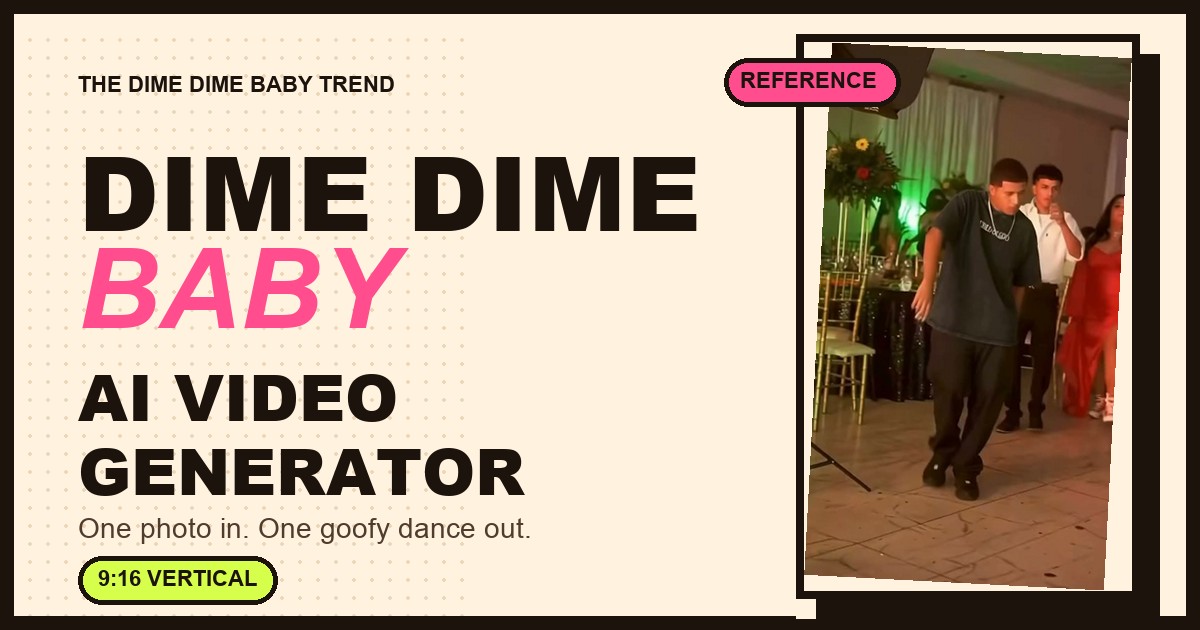
Searching for a “BbY WOW AI video generator” returns two very different kinds of product: general AI video platforms that can generate almost anything, and single-effect template tools that do one dance and nothing else. They are not interchangeable, and the wrong choice wastes money. This page explains the difference, what to check before you pay, and where this site sits.
The short answer
- Dedicated template tools (like this site) are the fastest path: one photo, fixed choreography, no prompt, consistent result. Less control.
- General AI video tools (CapCut Dreamina, Media.io, Runway, Kling, Veo-based tools, etc.) are flexible, but you write prompts, results vary, and “dance” is one capability among hundreds.
- Before paying anyone, check four things: does it need a reference video, does it include the song, what exactly do you get (length, aspect ratio, resolution, watermark), and what happens when a run fails.
What “BbY WOW AI generator” actually means
The output is a short vertical video where a person from your photo performs the BbY WOW dance edit — usually the pastry-bite party scene. Different products achieve this in different ways:
- Template / effect tools — a fixed scene with fixed choreography; you supply one photo.
- General video models — an AI model generates whatever the prompt describes; you supply a prompt, often a reference image, and maybe a reference video.
- Video editors with trend templates — you drop a photo or clip into a timeline template and export.
Each has a different trade-off between control, consistency, skill required, and price.
Dedicated template vs general AI video tool
Input
- Dedicated template (this site): one photo.
- General AI video tool: a prompt, often one or more images, sometimes a reference video.
Skill needed
- Dedicated template: none — no prompt, no editing.
- General AI video tool: prompt writing and iteration.
Consistency
- Dedicated template: high — the scene and choreography are fixed.
- General AI video tool: varies run to run.
Creative control
- Dedicated template: none — one effect.
- General AI video tool: high — any scene, camera, style.
Output here
- Dedicated template: 9s, 9:16, 720p MP4, no watermark.
- General AI video tool: depends on the tool and settings.
Audio
- Dedicated template: you add the sound when posting.
- General AI video tool: depends on the tool; some copy reference audio.
Price model
- Dedicated template: $5.99 per video ($9.99 for two), one-time.
- General AI video tool: credits or subscriptions; varies widely.
Failure handling
- Dedicated template: failed runs are refunded automatically.
- General AI video tool: depends on the provider.
Neither column is “better”. If you want this one dance, the template is faster and cheaper. If you want a custom scene, a different dance, or full control, a general tool is the right choice.
What to check before paying
1. Does it accept a reference video?
Many people assume they can upload the original clip and have the tool copy the moves. Most image-to-video models do not do that. Ask plainly: “Can I upload a reference video?” If the answer is vague, assume no.
This site does not accept a reference video. It recreates the style from a fixed prompt and your photo — the result is in the same spirit, not a frame-accurate copy.
2. Does it include the BbY WOW audio?
Some templates claim to copy the original audio; some add a generic track; some give you a silent clip. This site gives you the video without the BbY WOW sound — you add it in TikTok, Reels or Shorts when you post.
3. What exactly do you get?
Check length, aspect ratio, resolution, watermark and download format before paying:
- This site: 9 seconds, 9:16 vertical, 720p, MP4, no watermark, AI-generated label.
- General tools: usually configurable, but the cheap tiers often mean shorter clips, watermarks or queue priority.
4. What happens if the run fails?
A failed generation should not cost you. Here, failed runs are refunded automatically, and a blocked request is never charged. Ask any other tool the same question before you buy credits.
5. Who owns the photo and the output?
Use a photo you own or have permission to use. Avoid celebrities and public figures entirely. Our rules are in the Acceptable Use Policy and the output ownership terms are in the Terms of Service.
Where this site fits
This is a deliberately narrow tool:
- One effect: the BbY WOW / Dime Dime Baby party-pastry dance.
- One input: a single photo of one person.
- One output: 9s, 9:16, 720p, no watermark.
- One price: Starter $5.99 = 1 video; Creator $9.99 = 2 videos.
- No app, no prompt, no editor.
If that matches what you want, the workflow is in the step-by-step guide. If you need anything else — a different dance, several people in frame, a custom scene, or exact motion copying — a general AI video tool will serve you better.
Red flags when choosing a generator
- “Upload the original video and we'll copy the exact moves.” Very few consumer tools can do this reliably; check with a cheap test before buying a big pack.
- “Free unlimited BbY WOW videos.” Free tiers usually mean watermarks, low resolution, long queues, or a small number of one-off credits.
- No clear price per video. If you cannot work out the cost of one finished clip, you cannot compare offers.
- No policy on likeness or consent. A tool that encourages celebrity photos is a tool that will get you and itself in trouble.
- No refund path for failed runs. You should not pay for a generation you never received.
FAQ
Is a dedicated BbY WOW generator better than a general AI video tool?
For this one effect, yes — it is faster, cheaper per finished video, and does not require prompt skills. For anything else, a general tool is more capable.
Can a general AI tool make the BbY WOW dance?
Yes, with a good prompt and the right reference image — but results vary, and you will spend time iterating. That is the trade-off for flexibility.
Does this site copy the original video?
No. It generates a new nine-second video in the same style from your photo. It does not accept a reference video and does not do motion transfer.
What do I get for $5.99?
One finished video: 9 seconds, 9:16, 720p, MP4, no watermark. The exact price is shown before you submit, and failed runs are refunded.
Can I use the result on TikTok, Reels and Shorts?
Yes, subject to the Terms and Acceptable Use. Add the sound in the app, and keep the AI-generated label.
Compare the options, then try the dedicated route: make a BbY WOW video from one photo, or see pricing and whether it is free.