How to Make a BbY WOW Dance Video With Your Own Photo (2026 Guide)
Turn one photo into a 9-second BbY WOW / Dime Dime Baby dance video: what photo to upload, what you get, what it costs, and what this tool cannot do.
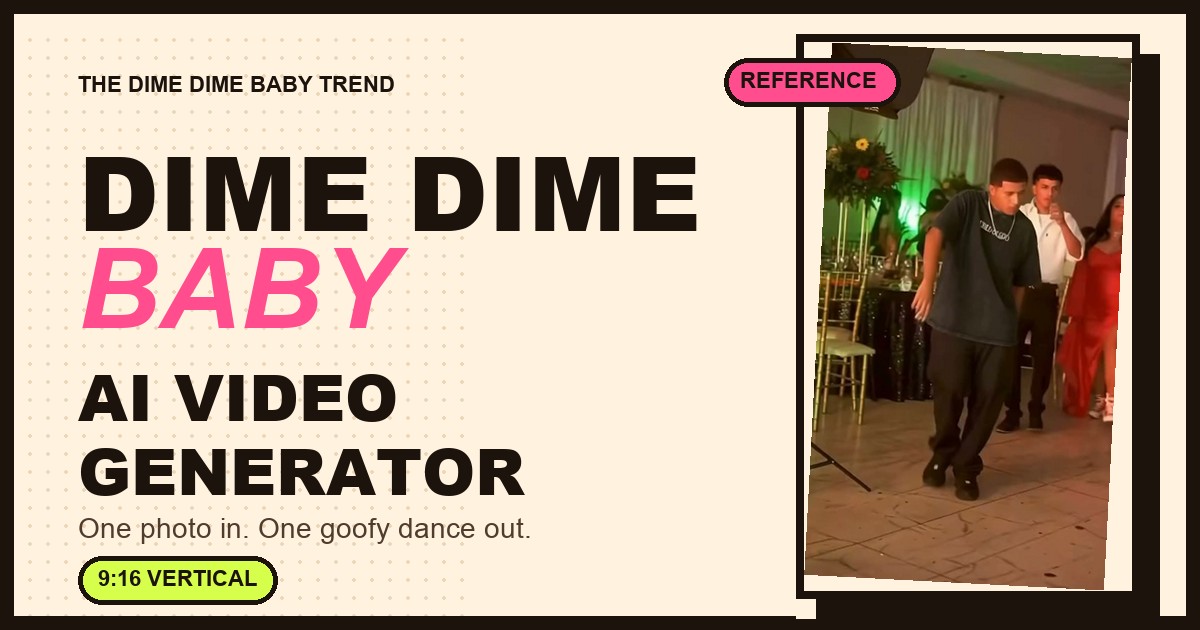
The BbY WOW dance is everywhere right now — Karol G's song, the TikTok routine, and a wave of AI videos where one photo turns into a nine-second dance clip. This guide explains exactly how to make one of those videos on this site, what to upload, and where the limits are.
If you only want the steps, jump to the quick answer. If you want to understand the trend first, read what the BbY WOW / Dime Dime Baby trend actually is.
The short answer
- Upload one clear photo of one person — your own, or someone who gave you permission.
- Pay for a pack. Starter is $5.99 for one video; Creator is $9.99 for two videos. One-time, no subscription.
- The site generates a 9-second, 9:16, 720p MP4 in the fixed BbY WOW / Dime Dime Baby style. You download it and add the sound in TikTok, Reels or Shorts.
- No app, no prompt writing, no editing timeline. One upload, one button.
What the BbY WOW / Dime Dime Baby video is
BbY WOW is the Karol G song with Judeline and Rusowsky that turned into a global TikTok dance after the Venezuelan group LOS MENOR3S posted their routine. The hook — “dime, dime, baby” — is where the name Dime Dime Baby comes from.
The AI version people share is a specific edit of that trend: a person dances into a party or wedding scene, takes a bite of a pastry on the beat, chews with a completely straight face, then dances back out. It is one continuous shot, roughly nine seconds, vertical.
There are several variants (wedding, garage, quinceañera, even pets). This site recreates one fixed party / pastry-bite version from your photo: same stage, same beat, same deadpan finish. It is a style recreation, not a frame-accurate copy of any specific video.
Step 1 — choose the right photo
The photo decides most of the result. The template keeps your face, hair and clothing, so start with a picture where those are clearly visible.
A good photo has:
- One person — no group photos, no one else's face in frame.
- A clear, front-facing face — looking towards the camera, not turned away.
- Even light — daylight or a well-lit room; avoid harsh shadows and heavy filters.
- No sunglasses, masks or face coverings.
- A normal, upright crop — the site centre-crops to 9:16 automatically, so a very wide or very tall photo loses the edges.
You can upload JPG, PNG or WebP up to 8 MB. If the photo is on your phone, open the generator on your computer and use the “Send from phone” QR code — scan it, pick the photo, and it lands in the generator.
Photo rule: only upload your own photo, or a photo of someone who has explicitly agreed to this use. Do not upload celebrities, public figures, or photos of other people without their consent. The full rule is in our Acceptable Use Policy.
Step 2 — generate the video
The generator is a single-effect tool, not an editor. There is no prompt box: the trend, the camera move, the pastry bite and the ending are already built into the template.
- Each video spends 500 credits (Starter includes 500, Creator includes 1,000).
- The button shows the exact cost before you submit.
- Most runs finish in a couple of minutes; busy queues take longer. You can leave the page — the task keeps running.
- If a run fails, the credits are returned automatically. You are not charged for a video you did not get.
Step 3 — download and post
When the run finishes you get an MP4 you can play, download and post. There is no watermark.
Two honest notes before you post:
- The BbY WOW audio is not added for you. Add the sound inside TikTok, Reels or Shorts when you publish — that is also how the trend is meant to work.
- Every output is AI-generated. Keep the AI-generated label and do not present it as real footage of a real event. See the Terms of Service and Acceptable Use.
What it costs
Starter — $5.99: 1 video (500 credits).
Creator — $9.99: 2 videos (1,000 credits).
- One-time packs, no subscription.
- A failed generation is refunded — see the Refund Policy.
- The price is shown before you submit; checkout is handled by our merchant of record, Waffo.
What this tool cannot do
Being clear about the limits saves you a purchase you would regret:
- It does not accept a reference video and does not copy motion. You cannot upload the original clip and ask for the exact same moves. The dance is recreated from a fixed prompt on top of your photo, so timing and gestures are “in the same spirit”, not frame-accurate.
- It does not add the original audio. Add the sound in the app when you post.
- It is tuned for one human face. Photos of pets, anime characters or objects are not supported and will give unpredictable results. Photos of other people require their explicit permission; celebrities and public figures are not allowed.
- It is not a general video editor. No timeline, no multiple takes, no model picker — one photo in, one fixed effect out.
If you need full creative control or a different dance, a general AI video tool is the better fit — we compare the two approaches in how to choose a BbY WOW AI video generator.
Quick photo checklist
- One person, face clearly visible
- Front-facing, eyes open, no sunglasses
- Even lighting, no heavy filter
- No group photo, no watermark or text over the face
- You own the photo, or have permission from the person in it
FAQ
Do I have to write a prompt?
No. This is a one-effect template: the dance, the scene and the ending are fixed. You only choose the photo.
Is it free?
There is no free tier. A video costs $5.99 (Starter pack), and a two-video pack is $9.99. Failed runs are refunded. See is there a free BbY WOW generator?.
Can I use a photo of my friend?
Only if they explicitly agreed to have a video made from their photo. Do not use photos of public figures, celebrities, or anyone who has not consented.
Does it add the BbY WOW song?
No. Download the MP4 and add the sound in TikTok, Reels or Shorts when you post.
How long does it take?
Usually a couple of minutes. If the queue is busy it can take longer; you can close the page and come back to “My videos”.
Why doesn't my video look exactly like the original clip?
Because this is a prompt-driven style recreation, not motion transfer. The result follows the template's choreography and mood, but it is a new generation — not a copy of any specific creator's video.
Can I post the result commercially?
You own the output subject to our Terms of Service and Acceptable Use Policy. If a post features someone else's likeness, make sure you have their permission.
Ready to try it? Upload a photo and make your BbY WOW video — or check the pricing first.